31 July 2026
A personal knowledge base across your devices without the cloud #
(Obsidian + Syncthing) * (OpenCode + OpenRouter)
What is a Resilient Personal Knowledge Management tool? #
A RPKM tool:
- Lets you write, format, organise, and link notes and ideas with minimum fuss
- Stores your information in a universally readable format
- Stores and retrieves your information across your devices
- Has no gatekeeper except you
- Does not require ongoing paid access
- Allows your other local tools, codebase, and services to use your information
The search #
If you're someone who makes a lot of notes, lists, to do's, and ideas, you might be like me and wrestled with every tool in search of the perfect one.
Beyond a physical notebook, digital has an important role as a personal knowledge management tool for: transferring, keeping, organising, and developing ideas and references.
You might have tried or settled on:
- Google Workspace
- Apple Notes / Google Keep
- Notion / Coda
- MS OneNote / EverNote
- Todoist / MS To Do / Google Tasks
- Craft
Or gone further with the "second brain" crowd:
- Obsidian
- Logseq
- Roam Research
For each of them I've found something a little too clumsy, too heavy, too trapped, or too pricey for the missing feature(s).
Obsidian has come closest to being just right, and is the basis for my solution.
The solution #
(Obsidian + Syncthing) * (OpenCode + OpenRouter)
If starting fresh:
1. Install Obsidian #
- On your laptop
- On your mobile
Obsidian stores notes privately on your device, so you can access them quickly, even offline. Obsidian uses open file formats, so you’re never locked in. You own your data for the long term.
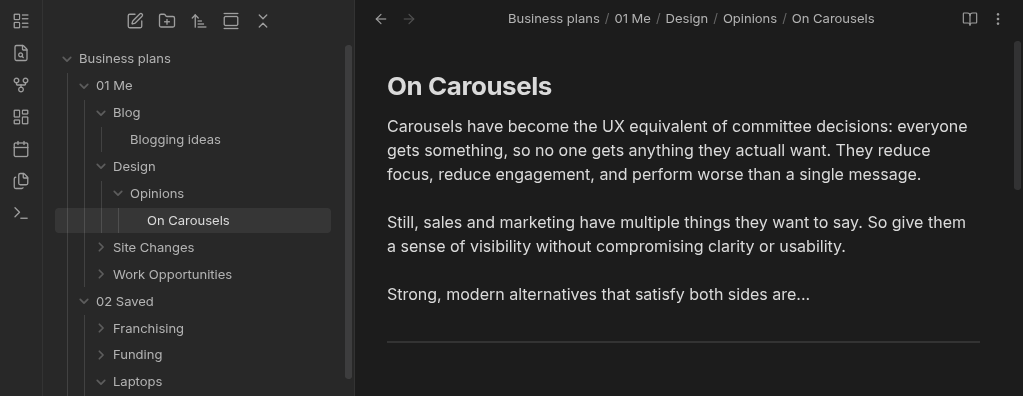
You'll be asked to create a "vault" (folder) on your device for your Obsidian data (text files and folders).
- On my laptop, I put my vault in a projects folder alongside other projects that AI services like OpenCode (or Claude Code) can access.
- If you're already an obsidian user, you can transfer your existing laptop vault to the file system on your mobile device
Now, with Obsidian you have to pay a monthly fee for syncing across devices. That's understandable. But not everyone is in a position to sign up for perpetual subscriptions, and doing so does introduce an element of lock-in, so...
2. Install Syncthing #
- On your laptop
- On your mobile
Syncthing is a continuous file synchronization program. It synchronizes files between two or more devices in real time. None of your data is ever stored anywhere else other than on your devices. There is no central server.
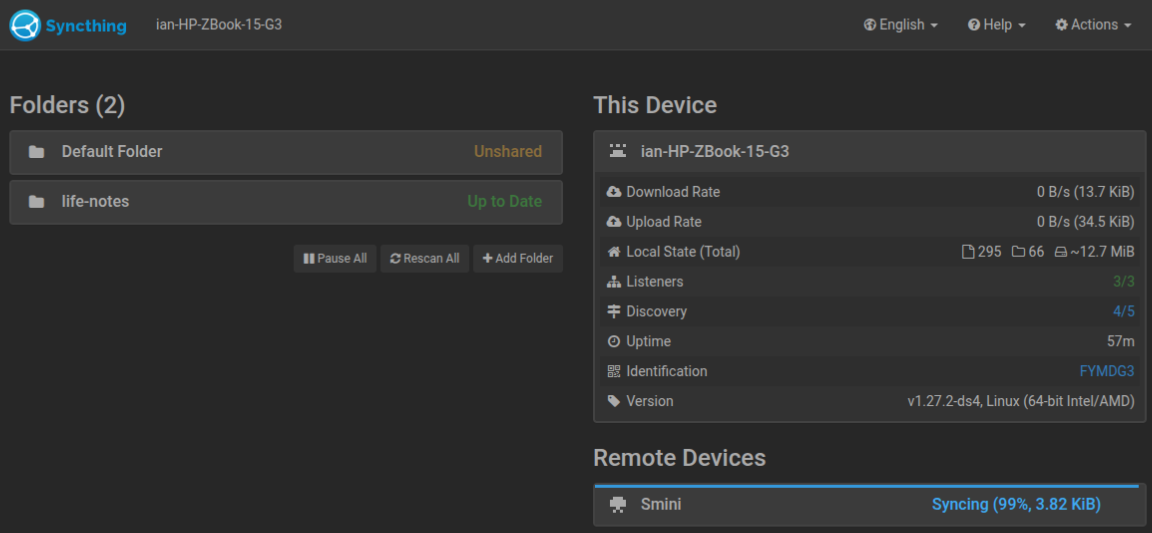
You will be walked through a secure setup where you point to the folders you want to sync and securely link the devices.
When syncthing is running it real-time syncs the files across your devices, gracefully handling any conflicts on the rare occasion they happen.
3. Install OpenCode #
- On your laptop
If you want AI to be able to traverse your knowledge base on your terms, and develop it in the same way you might with a codebase, OpenCode is a great option.
OpenCode is an open source agent that helps you write code in your terminal, IDE, or desktop. Free models included or connect any model from any provider.
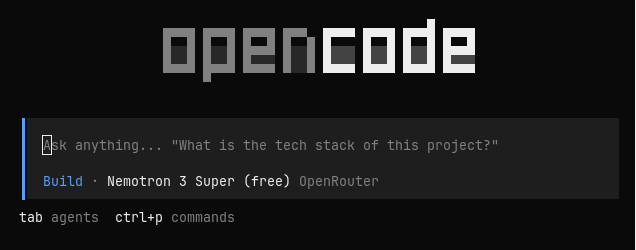
I love Claude Code, but NZ$40 a month for its minimum usefulness is out of reach for many and any finding themselves underemployed.
4. Wire in OpenRouter #
- On your laptop, hooked into OpenCode
While you can use any AI model with OpenCode (including the big guns), you have to set yourself up with them all, get API keys, it's a whole production.
OpenRouter give you one API for any model. Access all major models through a single, unified interface.
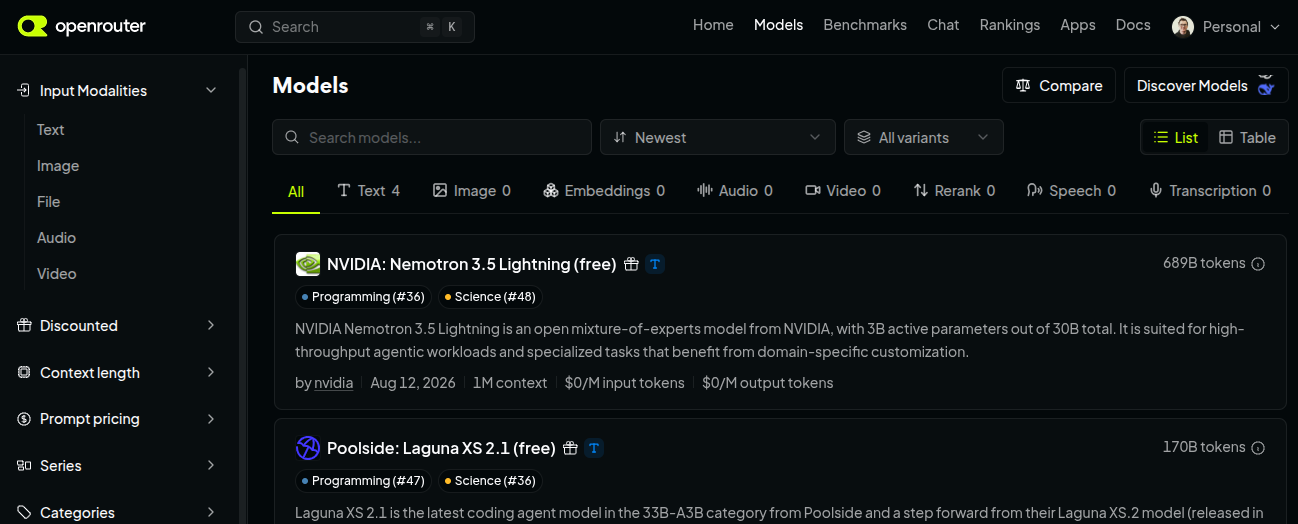
I'm currently using Nvidia's Nemotron 3 Super (free) model, but it's early days. I do hit some rate limits so need to configure some graceful handovers to other models.
And beyond? #
I'm a big fan of open static site generation frameworks like Eleventy. This website is built using Eleventy.
This blog post you're reading is a markdown file.
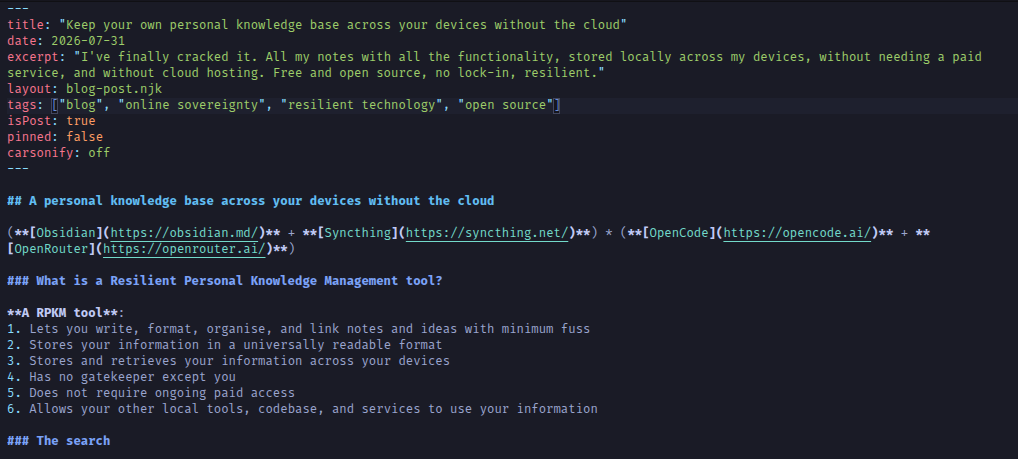
It's the same univerally readable format Obsidian uses, and the same format AI services use.
I have publishing workflows underway for everything from pitches to printable course workbooks. Stay tuned!

